Last updated: October 10, 2026. Qwen-Image 2.1 is the Qwen team's most powerful open-source image model: a unified generation-and-editing model with native transparent-image support, released September 20, 2026 — and on October 9 the team shipped Qwen-Image-2.1-Turbo, an 8-step distilled checkpoint that makes it dramatically faster. Here is what it does, how to run it, and where it fits against FLUX and the hosted giants.
What makes Qwen-Image 2.1 different
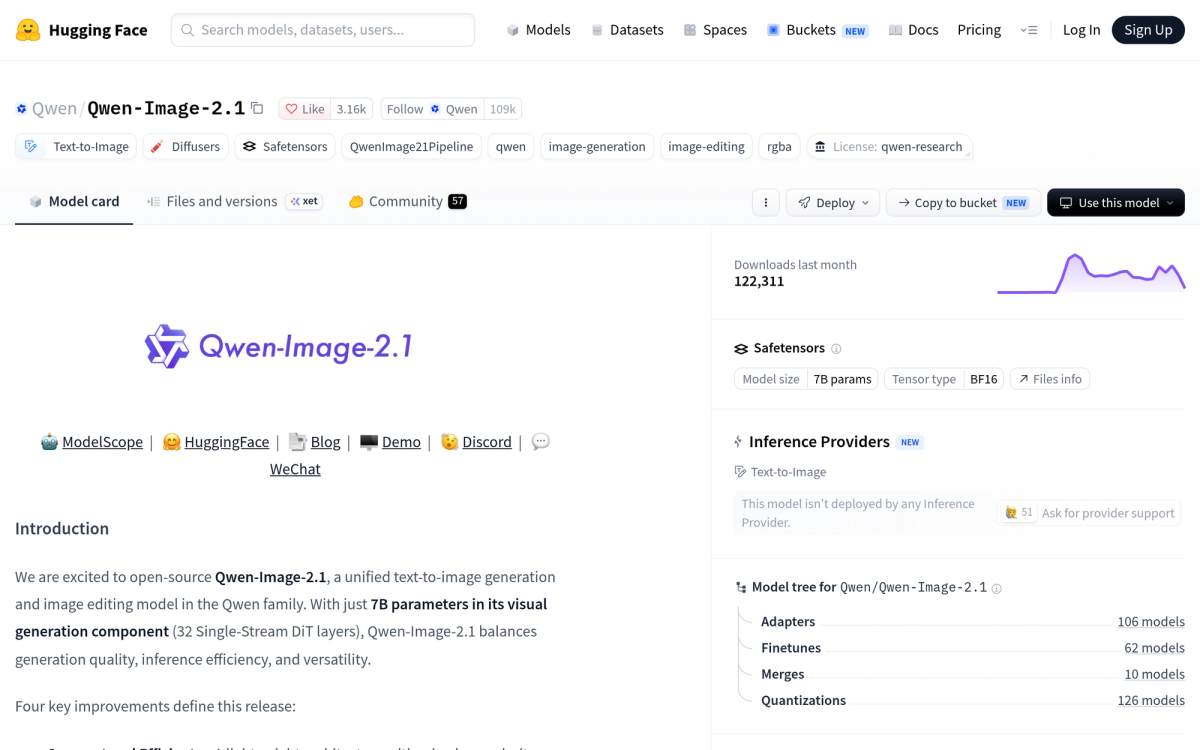
Most open image models do one thing well. Qwen-Image 2.1 unifies four jobs in a single 7B-parameter model (32 Single-Stream DiT layers in the visual generation component):
- Text-to-image generation — with improved typography, portrait lighting and fine details
- Image editing — up to 10 reference images, local edits specified by circles, painted annotations or masks, and identity preservation for people and products
- Native transparency (RGBA) — generate transparent images from prompts, edit transparent layers directly (say, change a subject's expression while keeping the background clear), and extract subjects from photos
- Efficiency — mixed-granularity attention and prefix KV cache reuse keep quality high at low compute
The transparency feature is the sleeper hit: it absorbs what previously required a separate model (Qwen-Image-Layered) or a manual cutout workflow, which matters enormously for e-commerce, design and compositing work.
Turbo: 8 steps instead of 40
The base model runs well at around 40 denoising steps. The Turbo checkpoint (released October 9, 2026) uses the same 7B architecture but generates and edits in 8 steps with CFG=1. The recommended sampling schedule ships inside the checkpoint and Diffusers loads it automatically — setting num_inference_steps alone does not override it.
How to run it locally
- Diffusers — day-0 support via QwenImage21Pipeline (bf16 on CUDA)
- ComfyUI — native day-0 support with compatible weights at Comfy-Org/Qwen-Image-2.1 and ready-made text-to-image and editing workflows
- ModelScope + DiffSynth-Studio — generation plus LoRA training
- Acceleration — SGLang (prefix caching, Cache-DiT, CUDA graphs, parallelism) and LightX2V
- Hosted APIs — Qwen-Image-2.1 Pro and Turbo on Alibaba Cloud Model Studio
Weights are on Hugging Face and ModelScope; source and docs on GitHub.
The license catch
Qwen-Image 2.1 ships under the Qwen Research License Agreement — free for research and evaluation, restricted for commercial use. If you plan to ship it in a product, read the terms carefully or use the official APIs instead.
Qwen-Image 2.1 vs FLUX vs hosted models
Against FLUX.1: FLUX remains an excellent open-weights aesthetic baseline, but transparent generation and reference-based editing typically require extra tooling around it — Qwen-Image 2.1 does generation, editing and RGBA in one checkpoint, and its multi-reference editing (10 images) is genuinely uncommon in open source.
Against closed hosted tools: Midjourney still leads on pure aesthetics and Ideogram on in-image text, but both are closed services. Qwen-Image 2.1 is the option you can run, fine-tune (LoRA) and automate locally. For more model options, browse our image generation category — and see the Qwen-Image 2.1 listing for details.
FAQ
Is Qwen-Image 2.1 free for commercial use?
No — the weights are under the Qwen Research License (research/evaluation friendly, commercial restrictions). For commercial generation use the official Pro/Turbo APIs.
What hardware do I need?
It is a 7B visual-generation model designed for efficiency (bf16, prefix KV cache). Turbo's 8-step schedule cuts iteration time further. For concrete VRAM requirements, check the community guides on the GitHub repo for your setup.
Can it really edit transparent images?
Yes — native RGBA support means you can generate transparent images from prompts and edit transparent layers directly, like changing a subject's expression while keeping the transparent background.
Does it work in ComfyUI?
Yes, native day-0 support with compatible weights and example workflows for both text-to-image and image editing.
Related reading: for the video side of this launch cycle, see our Vidu Q4 Preview breakdown — pricing details, native audio, and how it stacks up against Seedance and Kling.