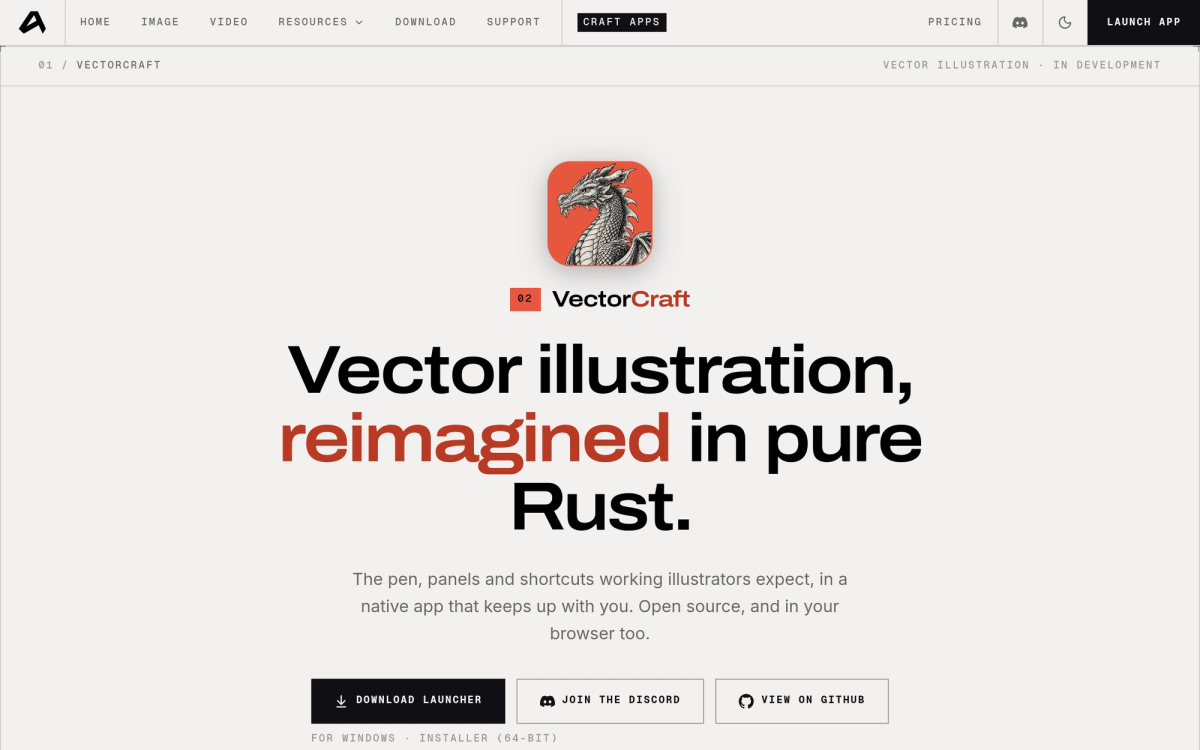
What is VectorCraft?
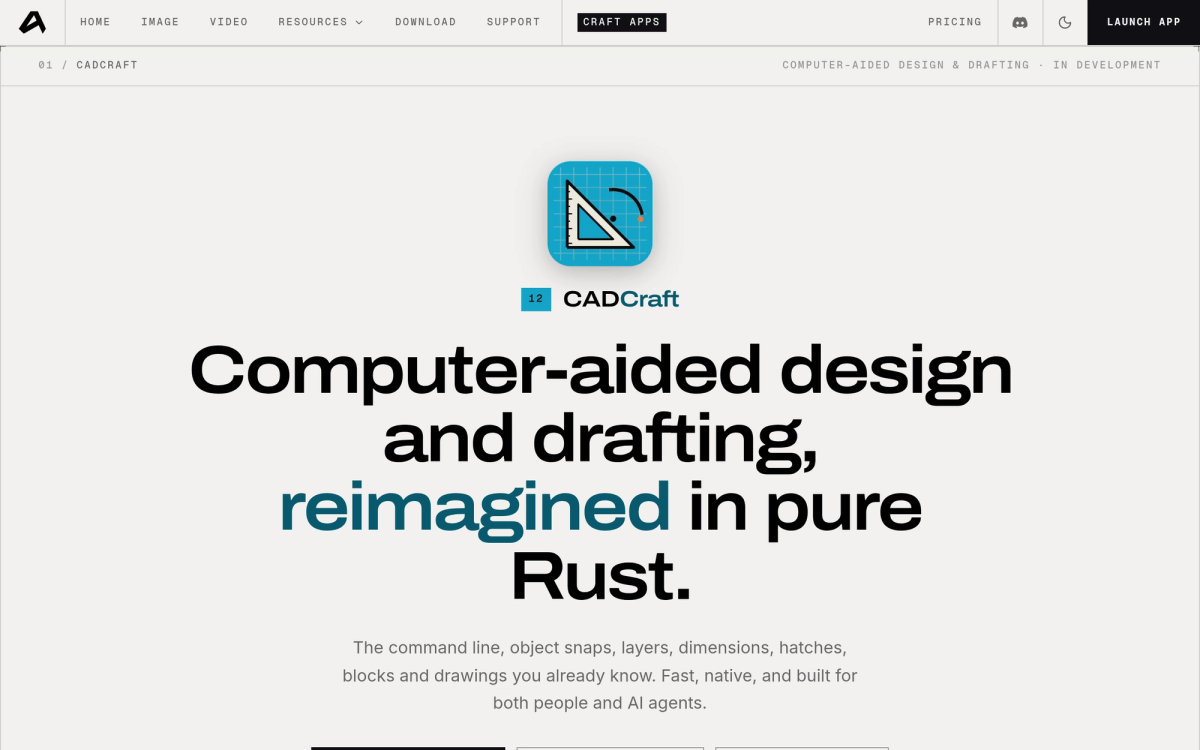
VectorCraft is an open-source vector illustration app "reimagined in pure Rust" by the ArtCraft team — the same group behind the PhotoCraft image editor. It rebuilds the Illustrator-style workflow (pen tool, direct selection, shape booleans, snapping guides, appearance panel) in a native desktop app, and it also runs in the browser via WebAssembly. Free, open source, no subscription. For the bigger picture, see our ArtCraft suite overview.
Key Features
- The workflow you know — pen, direct selection, shape booleans, snapping guides and an appearance panel, laid out the way working illustrators expect.
- Genuinely fast — 20,000 shapes render in about 27 ms at retina resolution, and the interface targets 120 fps.
- Exact curve booleans — no more "cannot perform operation" errors; unlimited undo throughout.
- Live, editable effects — blends, envelope distort, gradient mesh, radial/grid/mirror repeats, glows and drop shadows, all still editable after the fact.
- Image tracing — turn raster images into clean vector paths with 12 tracing presets.
- Open formats — native JSON documents, SVG and PDF import/export, PNG, JPEG and WebP output, plus multi-size export for screens.
Current Status
VectorCraft is in active development ("in development" per the official page), but installers are already available for macOS, Windows and Linux, alongside the WebAssembly build. Expect rough edges; the project publishes honest status pages rather than marketing gloss.
How to Get VectorCraft
Two routes from the official page: the ArtCraft Launcher (recommended — installs VectorCraft and every other Crafting App, picks the right build for your machine and keeps everything updated; currently v0.1.2), or a standalone installer for just VectorCraft. Source code lives on GitHub.
How It Compares
- vs Adobe Illustrator — Illustrator is the mature industry standard with decades of features; VectorCraft is young but free, native, open source and surprisingly quick. Good as a companion or budget machine tool today, not yet a full replacement for professional Illustrator pipelines.
- vs Inkscape — Inkscape is the established free vector editor; VectorCraft counters with a native Rust engine (no GTK), 120 fps UI, exact curve booleans and live editable effects.
- vs Figma — Figma is collaborative and browser-first; VectorCraft is local-first, offline, open source and file-based.
VectorCraft sits in the ArtCraft "Crafting Apps" family alongside PhotoCraft (image editing), FilmCraft (video), LightCraft (photo RAW), PdfCraft, EffectCraft (motion graphics) and DesignCraft (page layout). See also our PhotoCraft listing.
Frequently Asked Questions
Is VectorCraft free?
Yes — free and open source under permissive licenses, with no subscription, account or watermark, and the browser build included.
Can VectorCraft replace Illustrator?
Not yet for professional production pipelines — it is in development. For logo sketching, tracing, boolean-heavy icon work and learning vector design, it already delivers, and it imports/exports SVG and PDF.
Does it open SVG and PDF files?
Yes — SVG and PDF import and export are supported, alongside PNG/JPEG/WebP output and a native JSON document format.
Findry coverage
- ArtCraft suite: 7 free open-source Adobe alternatives — VectorCraft in the context of PhotoCraft, FilmCraft and the rest of the family