What is CADCraft?
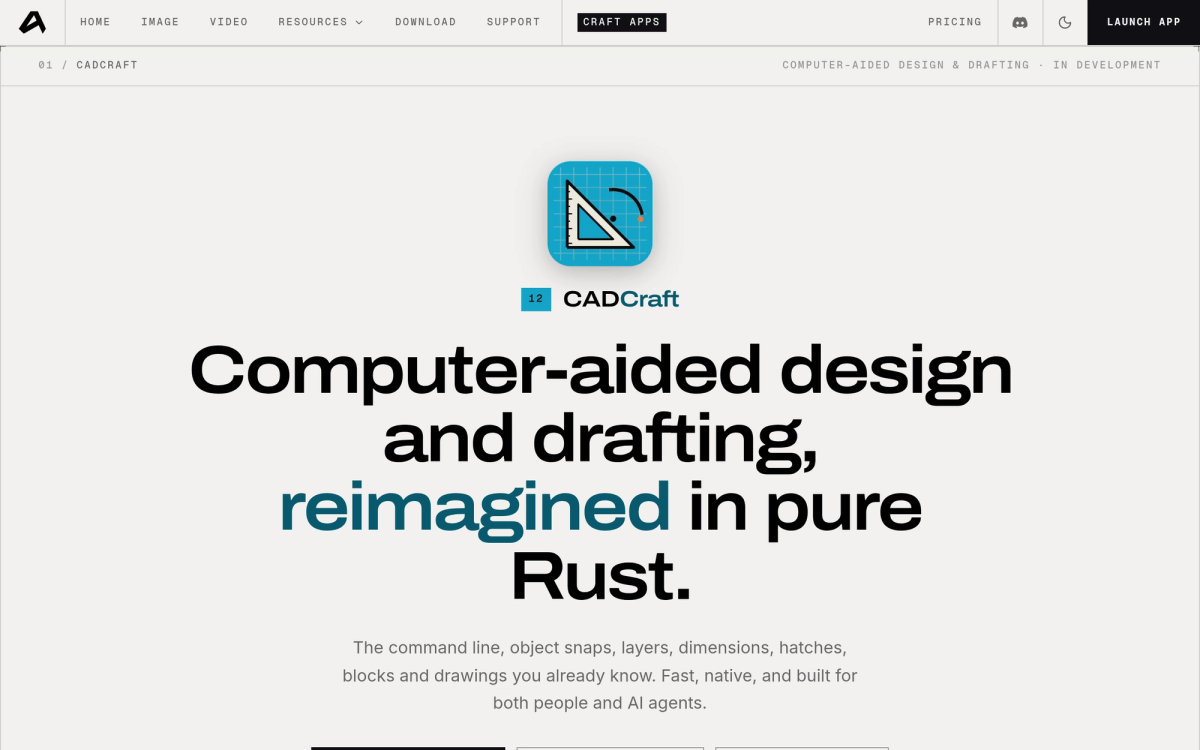
CADCraft is an open-source 2D computer-aided design and drafting (CAD) software "reimagined in pure Rust" by the ArtCraft team. It rebuilds the classic AutoCAD drafting workflow — command line input, object snaps, layers, dimensions, hatches, blocks, and scale-exact plotting — inside a fast, native desktop application. It is completely free, open source under permissive licenses, and built for both human engineers and AI coding agents.
CADCraft is part of the broader ArtCraft open-source creative suite, standing alongside PhotoCraft, VectorCraft, FilmCraft, and EffectCraft.
Key Features
- The Drafting Workflow You Know — type standard CAD commands, click points, use direct distance entry, object snaps (endpoint, midpoint, intersection), polar tracking, ortho mode, grips, and right-click-to-repeat.
- Open Drawing Formats (DWG & DXF) — reads and writes DXF files (both ASCII and binary, R12 through 2018), opens DWG files (R13 through 2018), and exports clean vector drawings to PDF, SVG, and PNG.
- Paper Space & Floating Viewports — layout sheets with floating viewports, per-viewport layer overrides, page setups, and scale-exact architectural plotting.
- Associative Annotations — linear, aligned, angular, radial, and diameter dimensions, multileader annotations, and associative hatch patterns that update when boundary geometry shifts.
- Native Rust Engine — zero Electron, zero web views; instantaneous startup, smooth 120 fps panning/zooming on large architectural drawings, and full offline functionality.
- Agent-Ready Architecture — every drafting tool, command, and layer action is accessible via CLI, JSON API, or MCP server for autonomous design agents.
How to Download CADCraft (Windows, Mac, Linux & Web)
To download CADCraft, visit the official release portal on getartcraft.com/apps/cadcraft or check CADCraft on GitHub.
Available installation options:
- ArtCraft Launcher — recommended one-click manager that installs CADCraft, checks cryptographic checksums, and handles automatic updates across platforms.
- Standalone Installers (v0.5.0+) — native DMG for macOS (Apple Silicon & Intel), MSI installer for Windows 10/11, AppImage / DEB packages for Linux, and FreeBSD binaries.
- WebAssembly Build — run CADCraft directly inside modern web browsers with no installation needed.
CADCraft vs AutoCAD: Open Source vs Enterprise Drafting
- Autodesk AutoCAD — the decades-old enterprise standard with extensive 3D toolsets and legacy AutoLISP scripts, but locked behind a steep yearly subscription.
- CADCraft — free, open source (MIT / Apache-2.0), fast native Rust startup, privacy-first local storage, and real DXF/DWG compatibility. Ideal for architects, mechanical drafters, hobbyists, and maker communities seeking a modern, unencumbered 2D drafting workbench.
Frequently Asked Questions
Is CADCraft really free?
Yes. CADCraft is free and open source under permissive licenses (MIT/Apache-2.0). There is no subscription, trial period, account, or cloud dependency.
Can CADCraft open AutoCAD DWG and DXF files?
Yes. CADCraft reads and writes standard DXF files (R12 to 2018) and opens DWG drawings (R13 to 2018), allowing seamless collaboration with AutoCAD users.
Does CADCraft work on Linux and Windows?
Yes. Native 64-bit binaries are available for Windows 10/11, macOS, and Linux (AppImage and DEB), with full offline support.