

Kombai: Your AI Design Engineer
Kombai is an AI-powered design engineering platform designed to bridge the gap between UI/UX design and frontend development. It enables creators to design high-quality websites and product user interfaces, then translate them directly into production-ready frontend code within a unified workflow.
Key Features
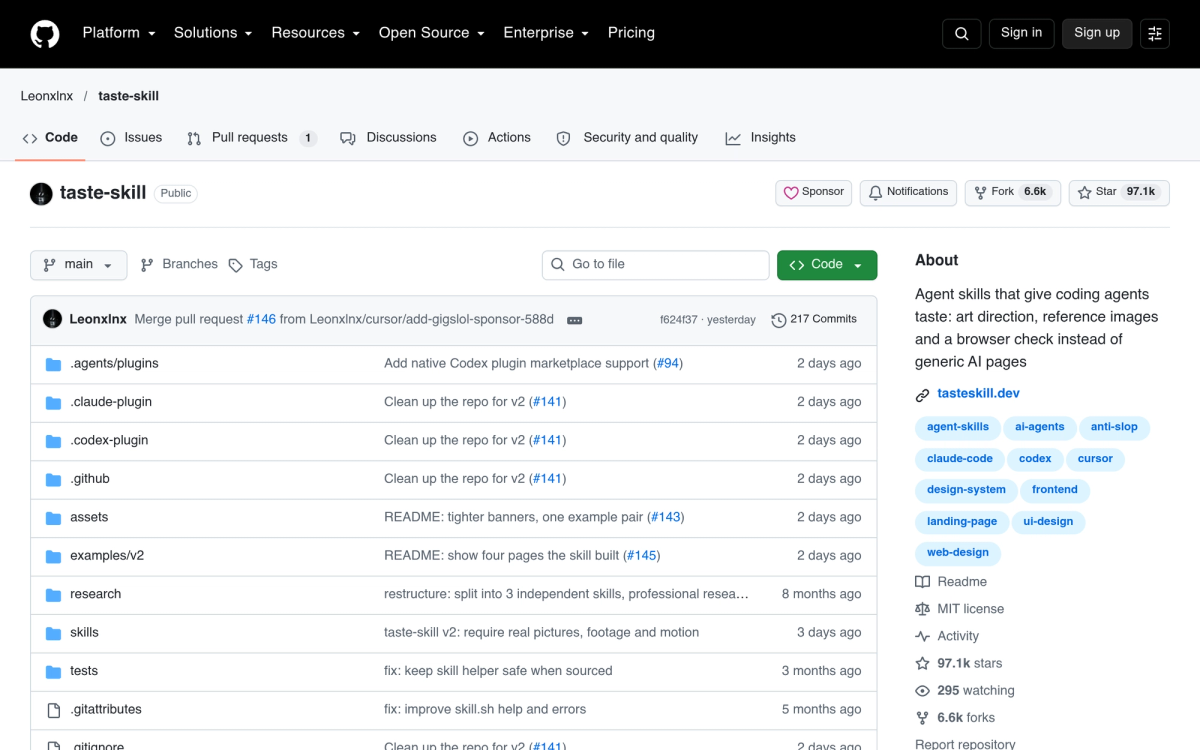
- Built-in Creative Taste: Generates unique, high-quality visual directions for each project drawing from curated references to avoid generic AI UI templates.
- Rich Media & Asset Generation: Integrates with advanced AI models (such as Veo and Seedance) to produce custom images, videos, and expressive animations.
- Design System Compatibility: Build and maintain design systems from existing codebases, Figma components, or live web pages to ensure design consistency.
- Variations and Iterations: Easily test redesigns, adjust layout density, or alter color palettes using preset actions or natural language prompts.
- Broad Ecosystem Integration: Available as a standalone app on macOS, Windows, and Linux, with native extensions for popular IDEs like VS Code and Cursor.
Use Cases
- Frontend Development: Streamline the translation of visual designs into clean, usable code directly inside code editors.
- Web and UI Design: Fast-track landing page and application interface prototypes with custom visual styling.
- Design Systems Management: Seamlessly align engineering components with visual design guidelines.