
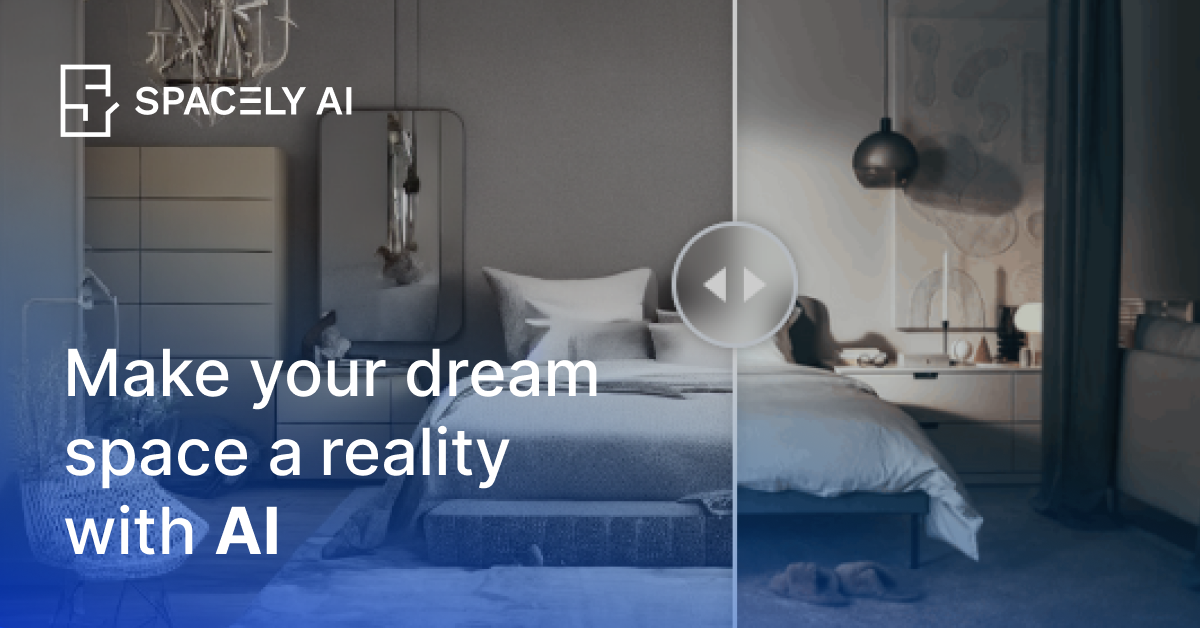
Spacely AI is a design automation platform powered by generative AI, tailored specifically for interior designers, architects, and real estate professionals. It transforms rough sketches, 3D models, and existing room photos into client-ready photorealistic renders in under 60 seconds while keeping original structural geometry intact.
Key Features
- Photorealistic AI Rendering: Instantly turn 2D sketches, photos, or 3D models into realistic space renders with custom styles and textures.
- Team Canvas: Collaborative multi-user workspace allowing teams to render, revise, and review design options live on a shared canvas.
- SketchUp Integration: Official SketchUp extension allowing designers to generate renders directly within their standard 3D modeling workflow.
- Flexible Design Revisions: Modify lighting, furniture layout, materials, and decorative styles without starting from scratch or re-exporting base files.
- Virtual Staging & Editing: Fast digital staging designed for real estate teams to demonstrate property potential to prospective buyers.
Use Cases
- Interior Designers: Rapidly produce visual design options and material variations for client presentation and quick feedback.
- Architects: Render SketchUp files effortlessly to present photorealistic architecture proposals.
- Real Estate Agents: Create virtual staging renders of empty or outdated rooms to enhance property listings.