Last updated: October 10, 2026. A new open-source project called PhotoCraft has been one of the fastest-rising design-tool searches this week — and unlike most hyped launches, it is something you can download and use today. Here is what it is, how good the PSD support really is, and whether it can replace Photoshop for your work.
What is PhotoCraft?
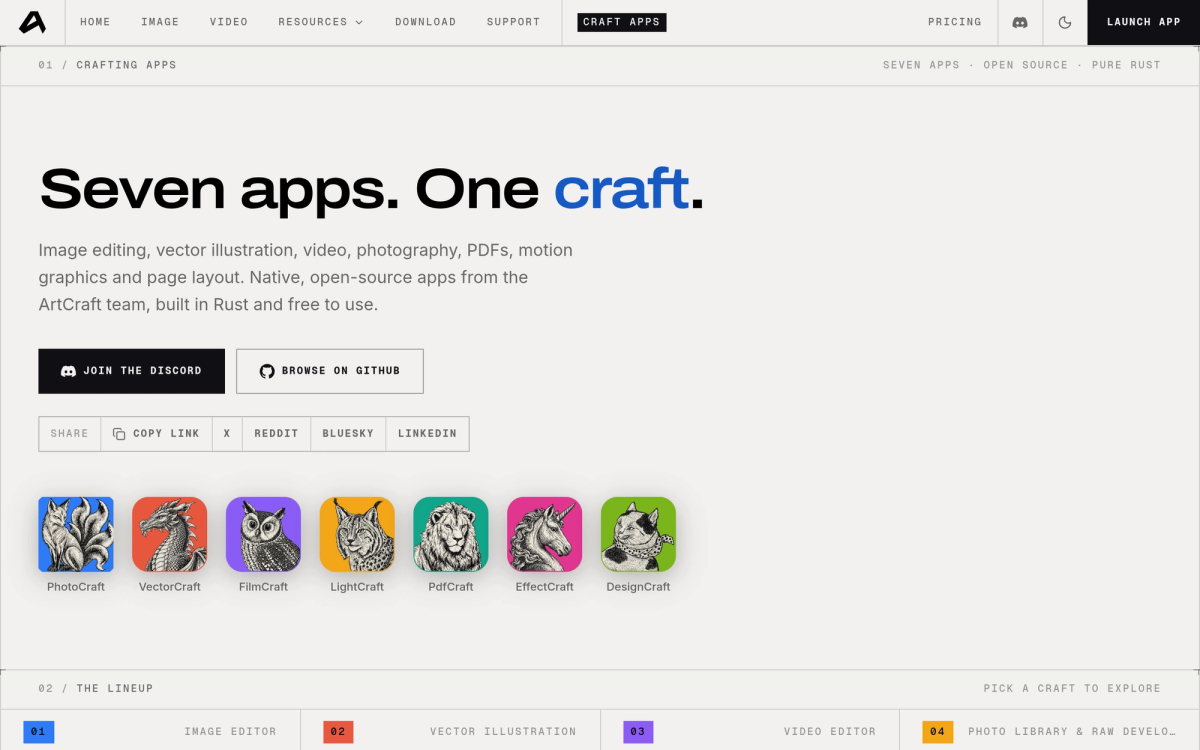
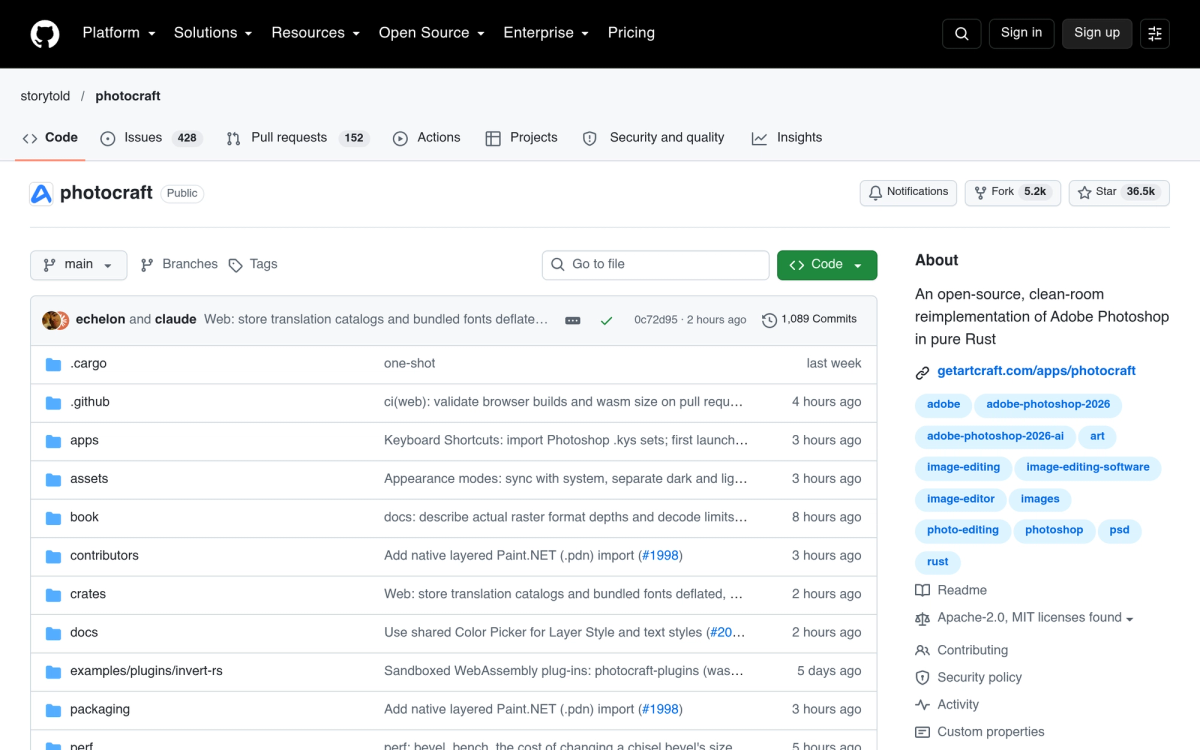
PhotoCraft is a free, open-source image editor written entirely in Rust by the ArtCraft team. It is a clean-room reimplementation of Adobe Photoshop: no Adobe code, but the same mental model — layers, masks, adjustment layers, layer styles, type, vectors and brushes — in a native desktop app that works fully offline. The license is MIT/Apache-2.0: no subscription, no trial timer, no watermark, no account.
The headline feature is real PSD support. PhotoCraft opens, edits and saves layered Photoshop documents (PSD and PSB), and its fidelity is measured, not marketed: re-saving renders the same for 307 of 309 files in the psd-tools test corpus. Files it does not fully model yet are carried over instead of being destroyed.
Why it is trending in October 2026
Three things converged: the project hit version 0.5.0 with its strongest PSD round-trips yet, word spread through developer communities that a 'Photoshop in Rust' actually exists and runs, and a wave of third-party guide sites appeared for the keyword almost overnight. For anyone who has bounced off GIMP's interface or Photopea's browser-only constraints, a free, native, Photoshop-shaped editor is an easy story to share.
PhotoCraft vs Photoshop vs GIMP vs Photopea
- PhotoCraft — free, open source, native (Rust + GPU), Photoshop-style menus and shortcuts, strong PSD round-trips. Early alpha: no generative AI, about twenty tools still missing.
- Photoshop — the industry standard with Firefly AI and complete plug-in support, but subscription-only and account-gated.
- GIMP — mature, open source (GPL), free — with its own interface paradigm and only partial PSD support.
- Photopea — browser-based, very Photoshop-like, free with ads, closed source.
PhotoCraft's unique combination is being free + open source + native + offline + Photoshop-shaped at the same time. GIMP is mature but feels different; Photopea feels right but is a closed web app; PhotoCraft is young but checks every box.
What it does well
- Layered PSD/PSB files — including 16/32-bit, CMYK and Lab documents
- Photoshop-familiar UX — Cmd+J, Shift+Cmd+D and the menus your hands already know
- Speed — a GPU compositor on wgpu (Metal/Vulkan/DX12/WebGPU) with copy-on-write tiles; no Electron
- Formats — layered TIFF, SVG, PNG, JPEG, WebP, GIF, BMP, TGA, ICO, QOI, PNM, OpenEXR, HDR, AVIF, plus read-only Affinity (.afphoto/.afdesign/.afpub) import
- Automation — every action is a command, drivable via CLI, JSON or an MCP server
- Platforms — macOS, Windows, Linux (AppImage/deb/rpm/Flatpak/FreeBSD) and a browser build
What it can't do yet
Credit where due: the project is unusually honest about its alpha status. Generative AI features (Firefly equivalents) do not exist, roughly twenty Photoshop tools are missing, advanced typography has gaps, and legacy Photoshop .8BF plug-ins are not supported (a sandboxed WebAssembly plug-in API is planned). If your workflow leans on those, run PhotoCraft alongside your current editor for now.
How to get it
Download installers from the official ArtCraft page or the GitHub releases, try the WebAssembly build in a browser, or build from source with cargo. Note: photocraft.im ranks highly in search but is an unofficial community guide — the official page is on getartcraft.com.
We have added PhotoCraft to our directory — see the PhotoCraft listing for details and links.
FAQ
Is PhotoCraft a clone of Photoshop?
Legally no — it is a clean-room reimplementation written from scratch in Rust, with no Adobe code. Practically, it reproduces Photoshop's interface conventions and reads and writes Photoshop's file formats, which is entirely legal (the same as GIMP or Photopea).
Can PhotoCraft replace Photoshop in 2026?
For everyday layered editing, retouching and PSD hand-offs: largely yes. For professional work depending on generative AI, missing tools, deep typography or plug-ins: not yet. The project publishes an honest parity roadmap — check it before switching cold turkey.
Is PhotoCraft safe and really free?
It is MIT/Apache-2.0 open source with no account or telemetry requirements, and free including commercial use. Download binaries from the official GitHub releases or build from source.
Does it work on Linux?
Yes — native AppImage, deb and rpm packages, Flatpak, and even FreeBSD, plus the browser build. That native Linux support is something Photoshop has never offered.
Related reading: the open-source theme continues with Anthropic OSS Scanner — free Claude-powered vulnerability scans for open-source projects — and the full ArtCraft suite tour, where PhotoCraft is one of seven free Rust apps.