
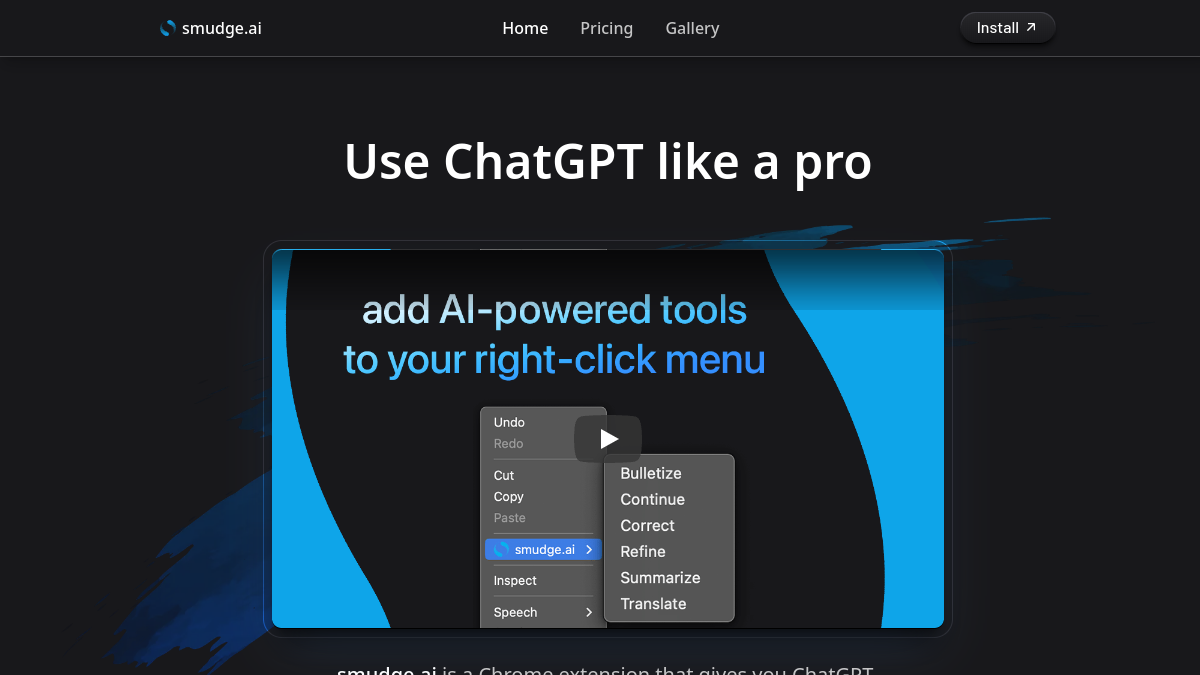
smudge ai is a browser extension designed to bring ChatGPT-powered capabilities directly into your context menu. By embedding AI shortcuts into the right-click menu, smudge ai eliminates the need to switch tabs or manually copy text into external AI chat interfaces. Features include custom command creation, quick text refining, document summarization, and multi-language translation.
Key Features
- Contextual AI Shortcuts: Execute prompts directly on highlighted text using right-click context menus.
- Built-In Commands: Summarize long articles, correct grammar, convert text into bullet points, refine tone, or translate text.
- Custom Commands & Gallery: Create bespoke prompts for repetitive tasks or import community-submitted commands.
- Interactive Follow-ups: Send follow-up replies to iterate on generated AI responses.
- Large Context Support: Process long documents and articles up to ~150,000 words per command.
- Privacy-Focused: Input and output text pass securely through OpenAI APIs without being saved or used for model training.
Use Cases
- Everyday Browsing: Quickly extract key takeaways from lengthy posts, fix writing errors, or translate content.
- Professional Workflow: Draft email responses, polish documentation, and speed up content creation.
- Students & Researchers: Create concise study notes from reading materials and format complex text.